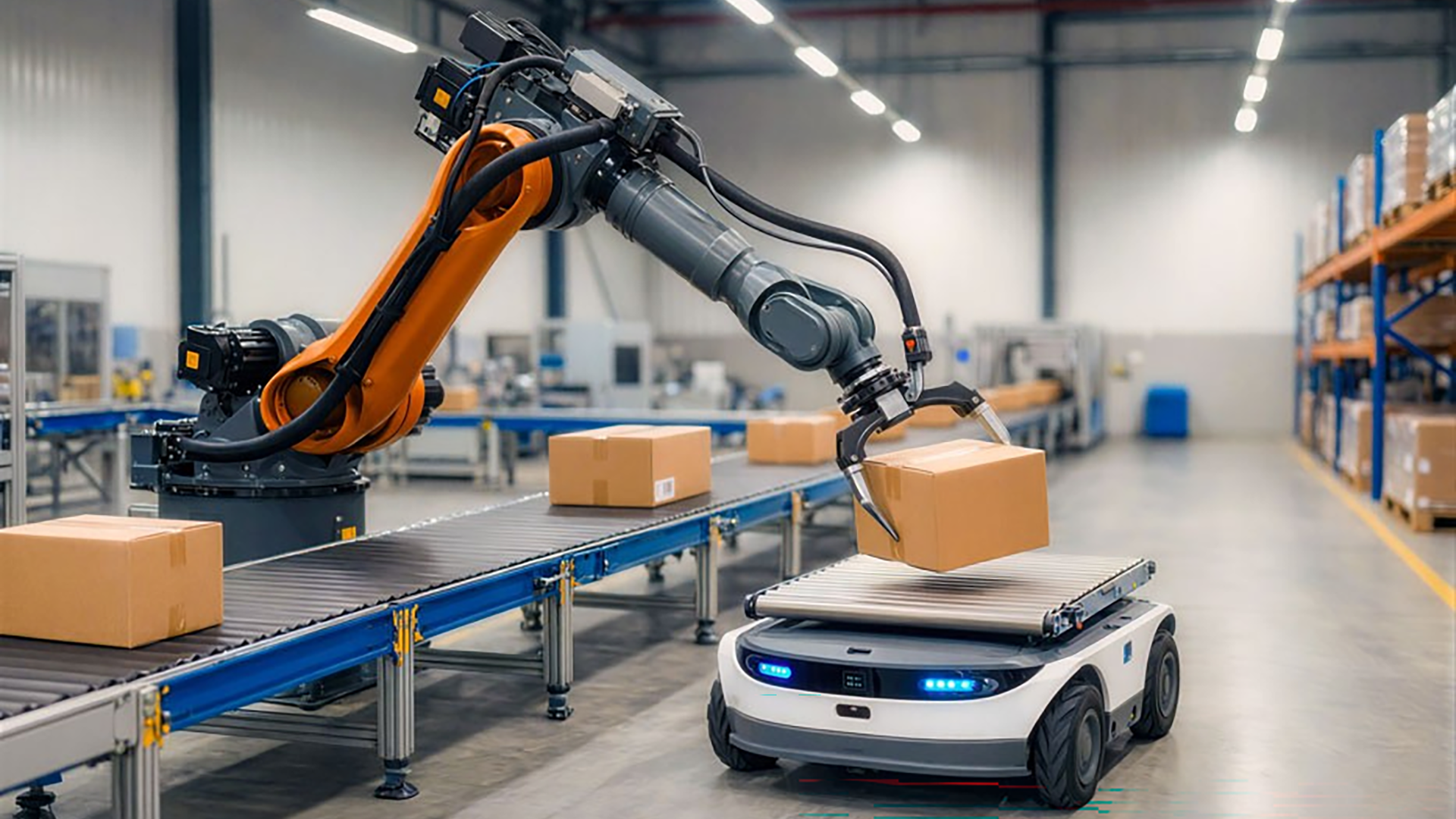
Processor Guidebook: The Basics from CPUs to ASICs

Take a quick cruise through the engines of the AI revolution.
The AI PC that you’re reading this on (or soon to upgrade to) relies on a team of smart chips to make it work: a CPU, a GPU and an NPU. Industrial computers and data centers add even more chips to the mix, including FPGAs and ASICs. What do all these different chips do and how do they work together?
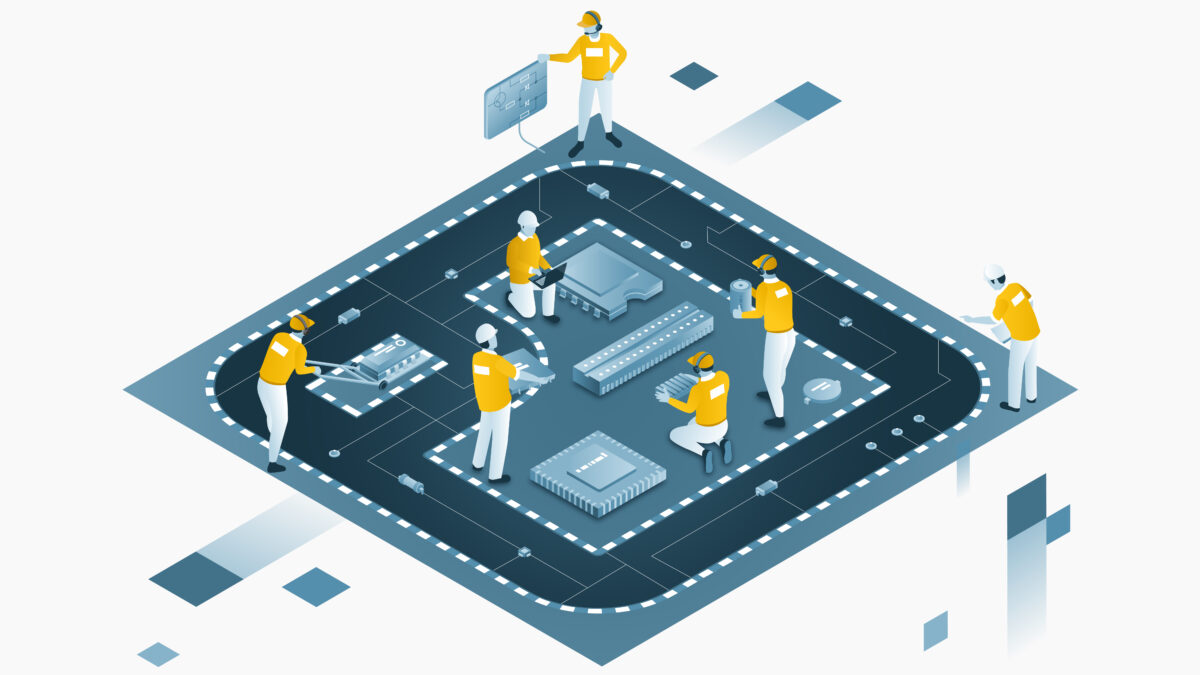
Here’s a fun and fast way think about it: All these processors are like a grand prix racing team, dividing tasks to complete the race – or whatever you want to get done on your laptop – in the shortest possible amount of time. Strap in for a quick tour through the brains behind the speed.
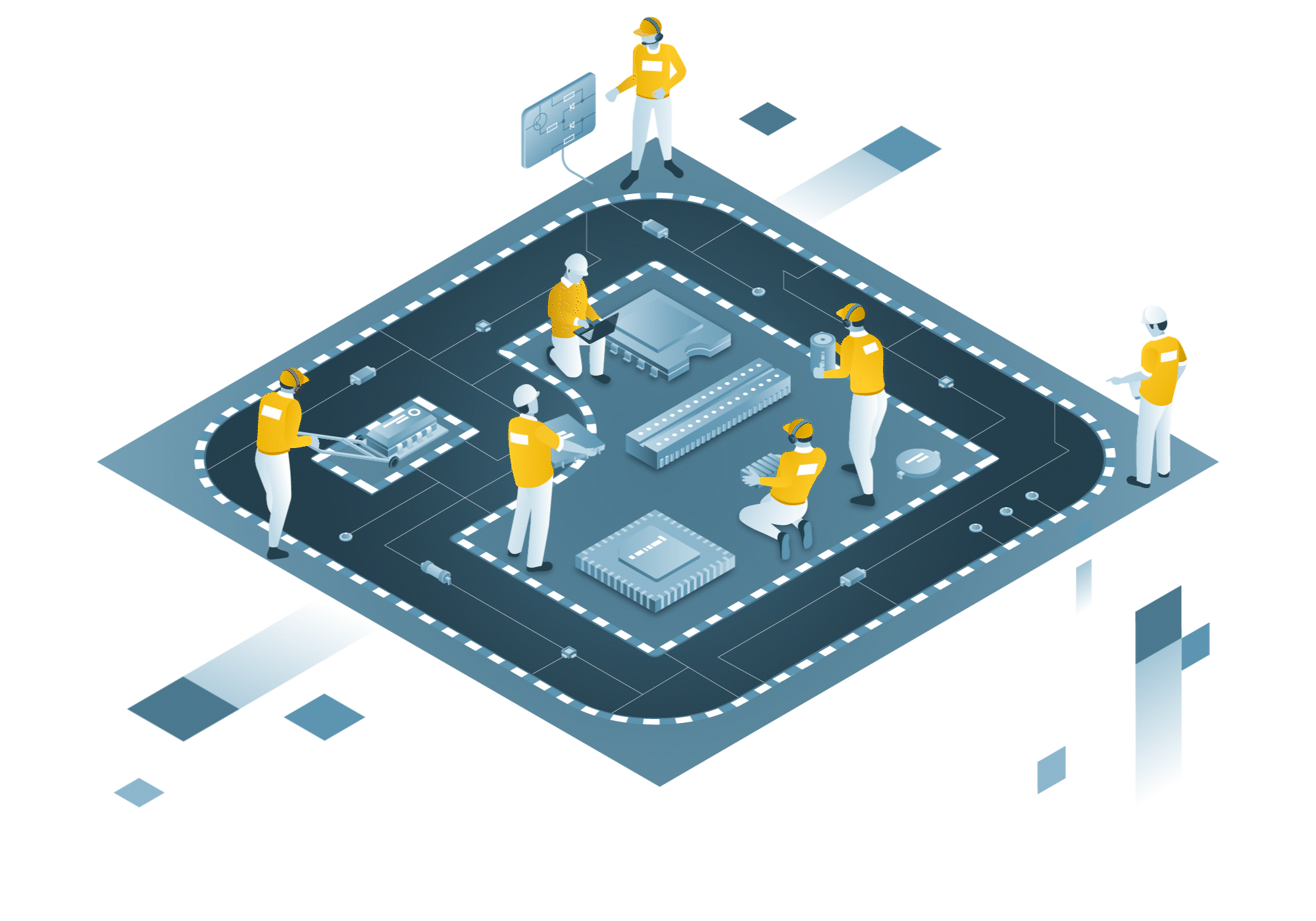
How All the Chips Team Up for Maximum Speed
CPU: Team Principal
The central processing unit, or CPU, is the brain that runs the computer and all its programs. It’s the team principal – the strategic mastermind overseeing the race plan, making real-time decisions and keeping everything on track.
The CPU and the principal are both versatile – there’s no task they can’t do. At the same time, they’re better suited for one-at-a-time complex jobs and rely on a fleet of helpers to run the whole operation.
Modern chips like Intel® Core™ Ultra 200V mobile processors (code-named Lunar Lake) contain several CPU cores, essentially principal “clones” to get more work done at once. There are even different kinds of cores tuned for maximum performance or power efficiency. CPUs, which ship by the billions per year, are found in everything from simple electronic devices all the way to the world’s most powerful supercomputers.
Example: The CPU in a laptop allows a student to stream online classes, take notes and run multiple applications without lag.

GPU: Pit Crew
The pit crew is a swarm of synchronized fury – swapping tires and completing several adjustments in a flash. That’s the graphics processing unit: a large team optimized for repetitive, simple and simultaneous tasks.

The original task of the GPU was to draw scenes in 3D games – over and over, frame by frame. Researchers later discovered the GPU’s ability to handle the repetitive and highly parallel task of computing a neural network, helping to spark the AI boom.
Intel® Arc™ graphics that are part of a modern Intel® Core™ Ultra chip do both, capable of rendering games or running generative AI right on your laptop. Once found only in gaming PCs, GPUs appear in most any device with a screen, not to mention supercomputers and AI data centers.
Example: A graphic designer’s desktop GPU runs complex image editing software and renders high-resolution graphics quickly for their projects.
NPU: Aerodynamics Engineer
This engineer obsesses over airflow and downforce, fine-tuning the car’s design for efficiency and precision. The neural processing unit, or NPU, is a similarly specialized performer. In its case, the NPU handles neural network tasks like voice recognition or photo enhancement.
The NPU in an Intel Core Ultra chip bundles several neural compute engines tuned to handle AI-common math, like matrix multiplication and convolution. It’s great at translating, generating or classifying different types of input: text, images, videos, speech, sound – you name it. With an NPU, your laptop can handle more AI without sacrificing precious battery life.
NPUs can be found in mobile devices, AI PCs and use cases that rely on local AI, like factory quality control or smart city applications.
Example: A remote worker uses an NPU-enhanced laptop to enhance video calls with real-time background noise cancellation and automatic framing, ensuring a professional appearance while preserving battery life.
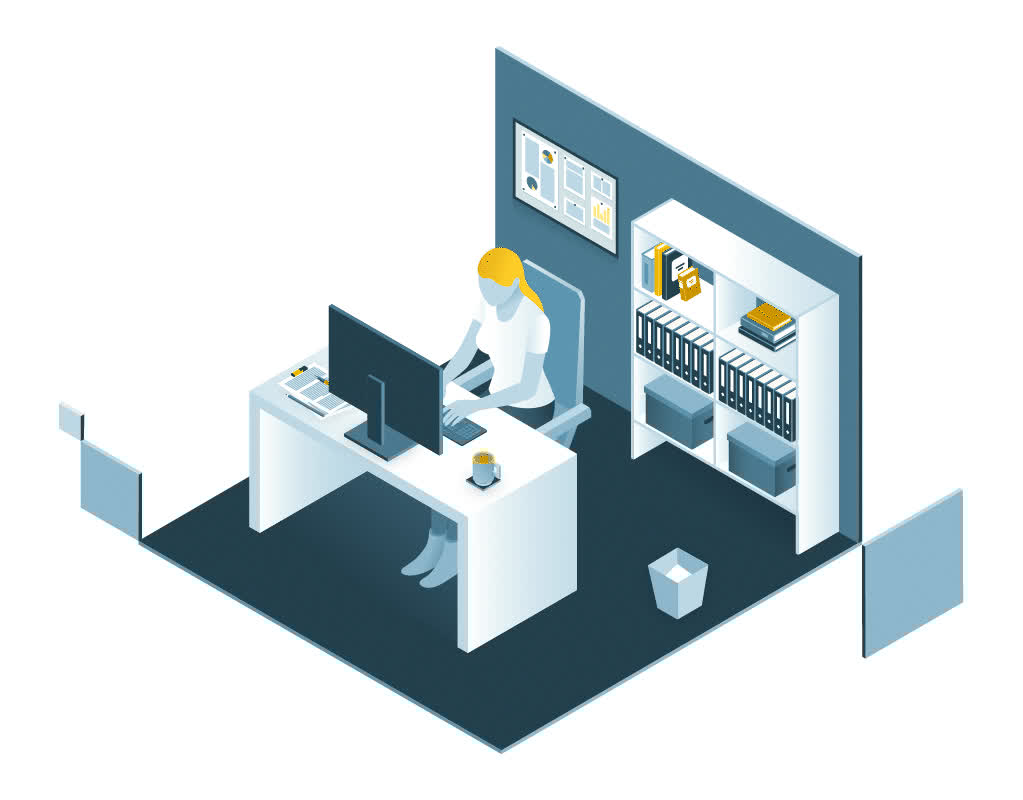
FPGA: Garage Technician
The garage technician is the team’s shape-shifter – setting up in the paddock, hauling freight, handling sticker duty or even pitching in with pit stops. That’s the field programmable gate array, or FPGA: a chip you can reprogram after it’s built to handle specific tasks, adapting to whatever the race (or system) demands.

The strength of the FPGA is customization. It’s not as fast as an ASIC (more on that next) at a single task or as broadly capable as a CPU, but it shines in prototyping, niche applications or situations where you need hardware-level tweaks without designing a whole new chip.
Example: A financial institution relies on FPGAs to accelerate real-time fraud detection (using algorithms it needs to revise regularly) by processing large volumes of transaction data, ensuring secure and immediate identification of suspicious activities.
ASIC: Tire Engineer
The tire engineer is a trackside specialist obsessed with one domain – tires – focused on predicting degradation, setting camber and ensuring peak grip.
An application-specific integrated circuit, or ASIC, is the same: custom-built for one narrow job, like network encryption or a specific AI model. It delivers unmatched efficiency and zero flexibility.
Some ASICs begin as designs on an FPGA. Once the design is perfected, it can be more efficient and economical to produce as a one-trick ASIC chip.
Example: A scientific research institute accelerates complex climate modeling simulations with AI ASICs, enabling faster and more accurate predictions of weather patterns and climate change impacts.
Summary
- The CPU is the central brain of the computer – able to complete any task.
- An NPU is focused for fast, efficient and repeated AI functions like voice recognition or image classification.
- FPGAs can be reprogrammed for niche jobs.
- ASICs do one task for ultimate efficiency.
- Download this Tech 101
Ready to discover more?
The Intel Tech 101 series mixes visuals and descriptions to break down complex subjects and demystify the technology we use every day.
Related Posts
 Artificial Intelligence
Intel at AI Infra Summit 2026
Intel highlights its vision and progress toward open, scalable AI infrastructure, underscored by live demonstrations and ecosystem partnerships.
August 26, 2026
Client Computing
Intel Outlines Architectures for Agentic AI at Hot Chips 2026
Diamond Rapids, Crescent Island and Wildcat Lake demonstrate how Intel is scaling Agentic AI from the rack to the edge.
August 24, 2026